

10 Claude Code Commands You Should Know
 by Johannes Hoppe
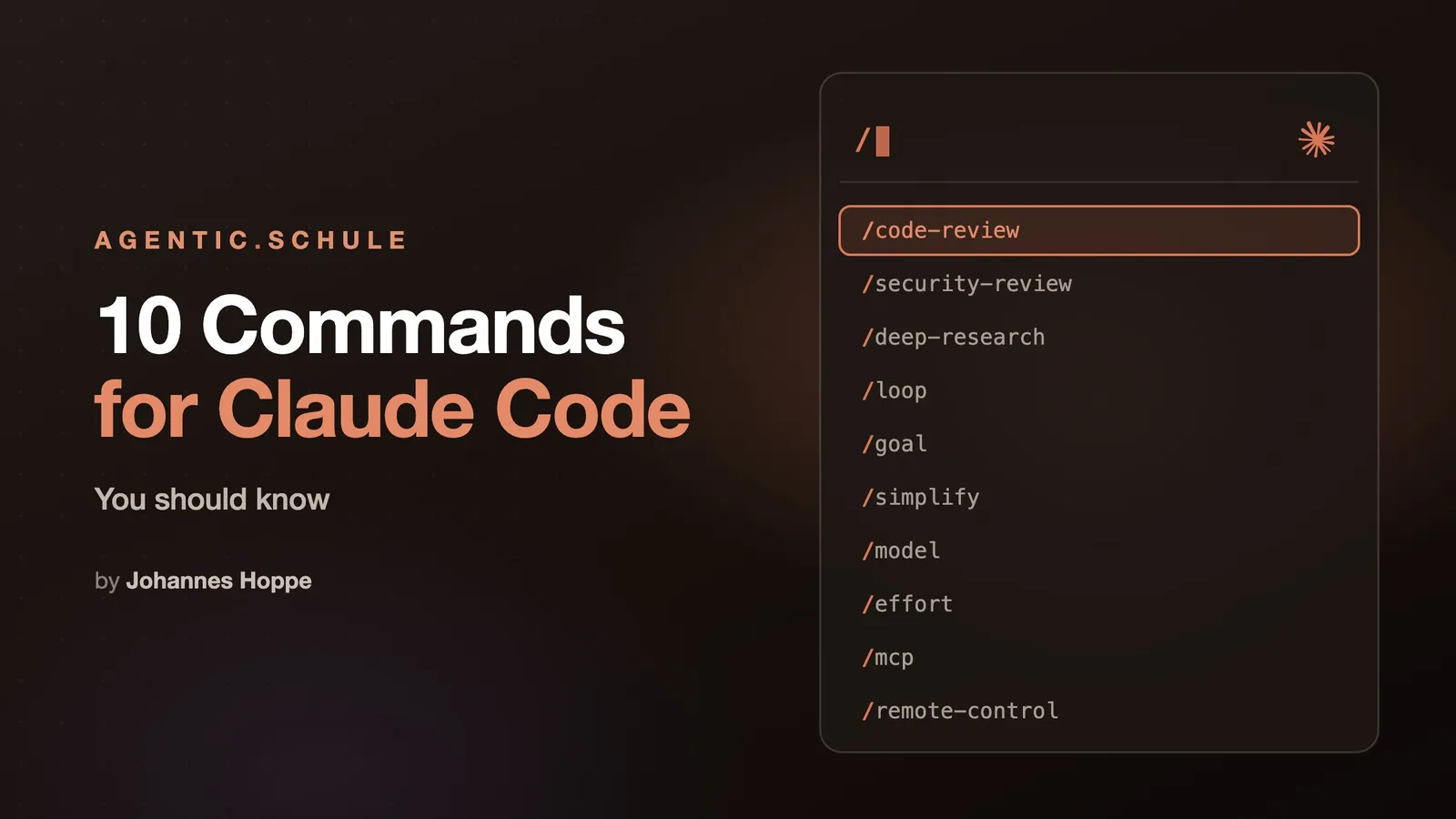
The /slash is the most powerful key in Claude Code, because it is how you start a slash command. Here we go!
Claude Code ships with far more slash commands than the usual beginner lists show. Here are ten that I use constantly, each with the one move that makes it valuable.
Contents
- 1.
/code-review: your diff on the test bench - 2.
/security-review: the security lens - 3.
/deep-research: the research machine - 4.
/loop: the loop - 5.
/goal: the goal instead of the loop - 6.
/simplify: the cleanup crew - 7.
/model: more than just picking a model - 8.
/effort: the thinking depth of the session - 9.
/mcp: a look into the toolbox - 10.
/remote-control: the session in your pocket - Conclusion
1. /code-review: your diff on the test bench
Checks the current state of your branch for real defects, and optionally a PR, a branch, or a path instead. You pass the effort as the first argument, for example /code-review max; without one, the level you typed last applies, and otherwise the session's effort. Depending on model and effort, the review either works through its angles one after another or fans them out across parallel agents, and with ultra it runs as a multi-agent review in the cloud.
💡 Tip:
--fixapplies the findings straight to your working tree,--commentposts them as inline comments on the PR. And while it is called code review, it works just as well for prose. It has read this article, too.
2. /security-review: the security lens
Runs a pure security review of the pending changes on the branch, no arguments needed. What makes it special is the discipline behind it: several review perspectives hunt for vulnerabilities, then a separate round filters out the false alarms. Only what is exploitable with high confidence gets reported. Together with /code-review, these two are among the most important guardrails once the AI writes the code, see my vibe coding article.
💡 Tip: Run it once before every merge heading for production. An empty report is a good outcome here, not a disappointing one.
3. /deep-research: the research machine
The only bundled workflow, and a showcase of what Claude Code can do in terms of orchestration: it fans web searches out across several angles, fetches the sources, checks the claims against each other, and delivers a cited report instead of a list of hits. How such a workflow is built is covered in the graph article.
💡 Tip: Phrase the question as concretely as possible, including context and time frame. The workflow then splits it into search angles by itself. While it runs, you simply keep working.
4. /loop: the loop
Repeats a prompt at a fixed interval (/loop 5m check the deploy) or lets Claude set its own pace if you leave the interval out. That lets the agent tackle hard tasks across many attempts, all night against CI if need be. What is behind it, I took apart in a separate article: Loop Engineering.
💡 Tip: The stop condition is the actual work. "Until CI is green again" works, "until it is good" goes in circles.
5. /goal: the goal instead of the loop
Sets a completion condition, and Claude keeps working without asking back until it is met. The clever part is the control: after every turn, according to the description, "a separate evaluator" decides whether the condition holds, and not the instance that just did the work itself.
💡 Tip: Phrase the condition so it can be evidenced from the conversation, for example "all tests in
test/authpass". What the evaluator cannot see, it cannot sign off on.
6. /simplify: the cleanup crew
Goes over the changed code and tidies up: reuse, simplification, efficiency, and the right altitude of your abstractions. It applies the fixes directly. It explicitly does not hunt for bugs; its own description says verbatim "it does not hunt for bugs; use /code-review for that".
💡 Tip: Run it right after a larger feature, before the PR exists. The diff gets smaller and more readable without the behavior changing. In my projects the agent likes to deduplicate and remove copied code. Lovely.
7. /model: more than just picking a model
Picks the model for the session, sure. Less known: the same dialog also holds the effort selector, with the arrow keys all the way up to ultracode. So you set model and thinking depth in one place.
Even less known: your current model is inherited by the subagents of your dynamic workflows, unless the workflow script says otherwise. So if you would rather not burn your entire Fable 5 limit in a single session, set a model like Opus or even Sonnet here as soon as the task is simple enough. In the script itself, both can be forced per agent, model and effort. For twenty agents that mechanically operate a website, that is exactly what belongs in the script: small model, low effort, expensive thinking only where it counts.
💡 Tip: Which model runs at which effort noticeably influences how far commands like
/code-reviewparallelize. Details on that in the graph engineering article.
8. /effort: the thinking depth of the session
Sets how thoroughly Claude works, from low to xhigh, plus auto for your model's default. On sufficiently capable models, ultracode sits on top: according to the description, "xhigh + dynamic workflow orchestration". With it, Claude plans a workflow for larger tasks on its own instead of waiting for you to ask.
💡 Tip: The regular levels stay saved as the default for new sessions,
ultracodeexplicitly applies to the running session only. Handy: you can gear up for a hard task without forgetting to gear down afterwards. And more effort always means more tokens and more waiting.
9. /mcp: a look into the toolbox
Opens the overview of your connected MCP servers, the external tools Claude uses next to the built-in ones: browser control, APIs, databases, whatever you have registered.
💡 Tip: When a tool "suddenly disappears", this is the first place to look: check whether the server is running and connected.
10. /remote-control: the session in your pocket
Connects the running session to claude.ai/code or the Claude app: scan the QR code with your phone, and you continue that same session on your phone or in the browser while it runs on your machine. Perfect for following a long run from the sofa, or answering a question on the go instead of leaving it until the end of the day. My ground station, the Mac mini, is exactly what I drive this way (more on that here).
💡 Tip:
/rcis enough to type, that is the official alias.
There is also the CLI command of the same name, claude remote-control, and it does something different: the slash command hooks up the one session running in front of you. The CLI command instead starts a host where you open new sessions from your phone. The help (claude remote-control --help) shows how far this goes: --spawn picks between same-dir, worktree, and session, so in worktree mode every new session gets its own git working area, --capacity caps the concurrent sessions (32 by default), --permission-mode sets the permissions for sessions started this way, and --continue reattaches to the host last used here. If you only want to take your running session to the sofa, stick with /rc. And if you prefer your sessions side by side in the local terminal (like me), each in its own tmux window, the host is of no help either.
Conclusion
Ten commands, one pattern: Claude Code has long been able to do more than most people call up. The reviews check, the loops and goals keep going, the workflows fan out, /model and /effort determine how much brainpower goes into all of it, and via remote control you watch from your phone. Next time you start up, just hit the slash and read the list from top to bottom. These ten are my picks, yours will certainly look different in the end. And if you would rather go through them together instead of alone: that is exactly what we do in the course at agentic.schule, on your own project.
💡 Bonus, learned the hard way today:
/usageshows cost, plan usage, and what is currently counting against your limits. It also answers to/costand/stats. Anyone working a lot with agents should check it more often than I did today. 😅
Which one is missing from the list? Bring it on, I am glad to hear from you.
Curious about agentic work in practice? In the workshops at agentic.schule and angular.schule we show how modern AI agents are changing everyday development.
Keywords:Claude CodeSlash CommandsAgentic CodingCode ReviewWorkflows
Suggestions? Feedback? Bugs? Please
About the author
 Johannes Hoppe is a trainer and consultant for modern web development. The workshops at angular.schule and agentic.schule focus on Angular in practice – and increasingly on agentic development with AI agents like Claude Code.