

Hack Yourself: AI Pentests with Strix
 by Johannes Hoppe
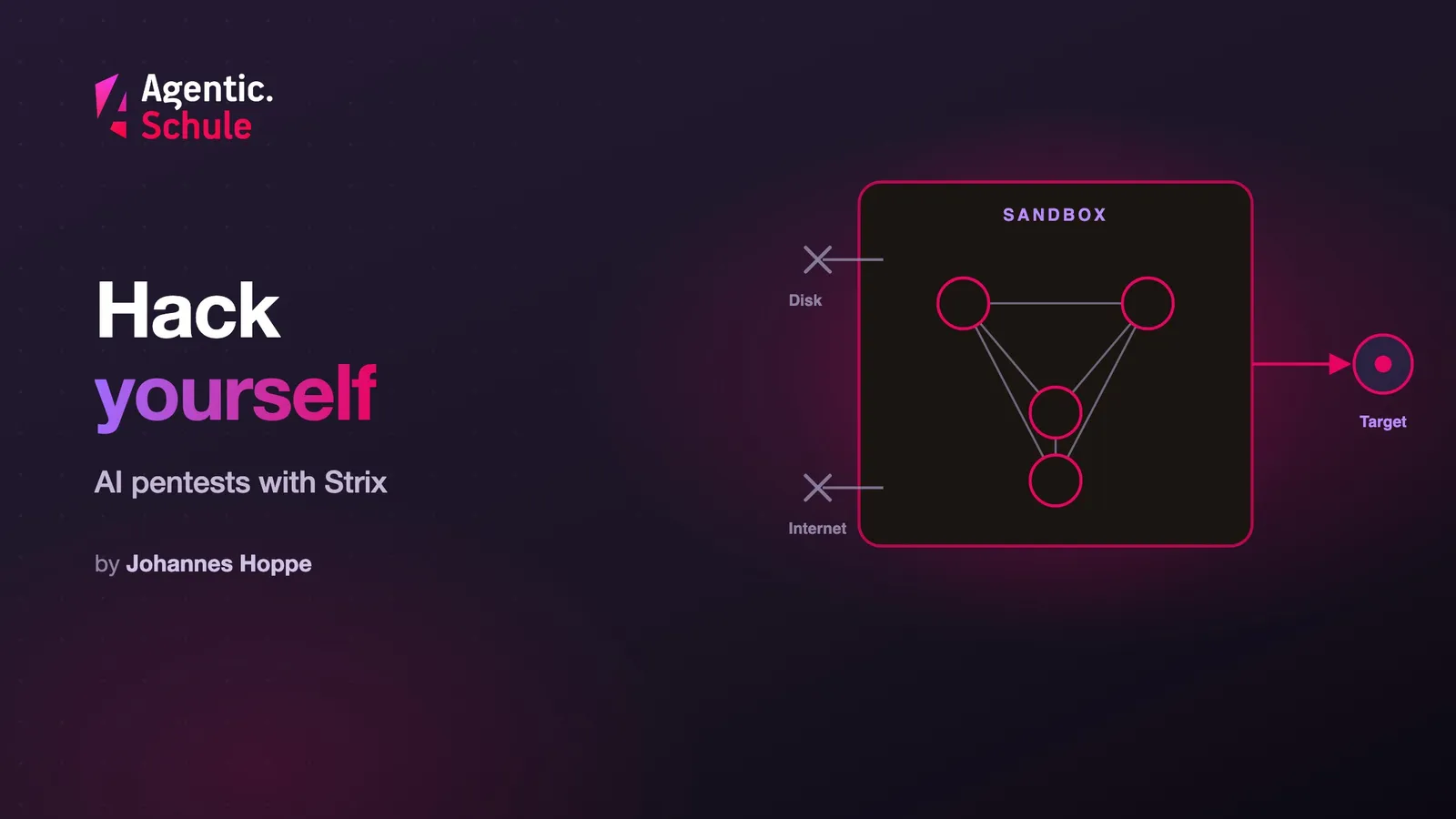
Is your software really secure? Let's find out the hard way: we become pentesters (penetration testers). For that we bring open source AI hackers into the house. Strix sends AI agents that probe your application like an attacker. They plan, hunt for vulnerabilities and try them out with working attack code, the exploits. This guide takes you from zero to your first scan: with a local model, in a cage, and within the rules.
Contents
- What is Strix?
- Step 1: Install
- Step 2: Connect a local model
- Step 3: Cage the agent
- Step 4: Start the first scan
- Step 5: Look at the results
- Step 6: Run it again and again
- Before you go live: three limits
- Conclusion
What is Strix?
I write about coding assistants here often. Strix is the opposite: a tool that attacks your code instead of building it. The project describes its agents as "autonomous AI penetration testing agents that act just like real hackers - they run your code dynamically, find vulnerabilities, and validate them through actual proofs-of-concept". It is licensed under Apache 2.0 and actively developed.
The architecture is called "Graph of Agents" in the project: specialized agents for reconnaissance, exploitation and the phase after, running in parallel and sharing their findings. The toolkit is serious: an interception proxy for HTTP (reads the traffic and makes it editable), an automated browser environment, an interactive shell and a Python sandbox in which the agents write and run exploits.
Exactly this last step, the working proof of concept (the functioning proof that a vulnerability is exploitable), is the reason for this whole guide. It needs two things: a model that produces working exploits, and an environment where that happens safely. And because Strix reads someone else's code along the way, a third thing comes in, the local model, so that this code never leaves the machine.
Step 1: Install
The prerequisite is a running Docker. Strix works in its own container and pulls it on the first run itself. The installation is one line:
curl -sSL https://strix.ai/install | bash
With a security tool I read a script like this first, instead of piping it blindly into the shell. I read it without running it: it downloads a prebuilt binary from the GitHub releases to ~/.strix/bin, sets the execute bit, adds the directory to your shell config's path and pulls the sandbox image. No sudo, no hidden steps. Open a new shell afterwards, otherwise strix is not on the path yet.
The sandbox image is a Kali Linux container with pre-installed tooling (Nmap, SQLMap, Nuclei, ffuf and more). The docs put it like this: "Strix runs inside a Kali Linux-based Docker container with a comprehensive set of security tools pre-installed." On the first scan Strix pulls it automatically, but you can also fetch it in advance:
docker pull ghcr.io/usestrix/strix-sandbox:1.3.0
Step 2: Connect a local model
The default is a hosted model (openrouter/z-ai/glm-5.3). For a pentest on someone else's code that is the wrong choice, and the reason is concrete: with a hosted model, your client's source code leaves the machine. A sandbox does not change that. Anthropic writes it plainly in the sandbox documentation:
"Isolation also does not change what is sent to the model. Your prompts and the files Claude reads are transmitted to the Anthropic API or your configured provider with or without a sandbox."
Only when the inference (the model's compute work) runs on your hardware does the code stay put. A local model has a second advantage: it does not refuse. Hosted models often decline to help with attack code, which is the topic of part 2 of this series. Strix connects local models via two environment variables. With Ollama the whole path looks like this:
# install Ollama (Linux; macOS/Windows: download from ollama.com) and pull a model
curl -fsSL https://ollama.com/install.sh | sh
ollama pull qwen3-vl   # just for trying it out; a serious run needs a large model

# point Strix at the local model
export STRIX_LLM="ollama/qwen3-vl"
export LLM_API_BASE="http://localhost:11434"
If your model runs behind an OpenAI-compatible server like LM Studio or llama.cpp, you use the openai/ prefix and point to its port:
export STRIX_LLM="openai/local-model"
export LLM_API_BASE="http://localhost:1234/v1"   # LM Studio; llama.cpp: port 8080
export LLM_API_KEY="dummy"                       # only needed if your server requires a key
⚠️ Caution: Local doesn't mean free. Strix's own docs warn: "Most local models, especially those under 70B parameters, struggle with these complex tasks." A small model on the laptop will fail at a serious pentest. Strix even explicitly recommends cloud models: "For critical assessments, we strongly recommend using state-of-the-art cloud models like Claude 4.5 Sonnet or GPT-5. Use local models only when privacy is the absolute priority." Local is therefore a deliberate trade-off: the client's code stays on the machine, but you need a large model and suitable hardware.
Why this is more than a preference: if you process personal data during the test, that is usually processing on behalf of a controller under Article 28 GDPR, and the code is often a trade secret on top. The German Data Protection Conference puts it briefly in its guidance on AI applications: „Technisch geschlossene Systeme sind daher aus datenschutzrechtlicher Sicht vorzugswürdig." (Technically closed systems are therefore preferable from a data-protection perspective.)
Step 3: Cage the agent
Strix runs code it writes itself, and attacks a target with it. The isolation is the bundled Kali container, and Strix starts it automatically. Strix does not offer finer rules as switches; you set those at the Docker and host level. Three things are in your hands.
Point at a copy, not the original. Give --target a copy of the repository, not a path you are currently working in. And think of what runs implicitly during normal development: Git hooks, CI configuration, scripts in package.json.
Cut everything the agent does not need. Only two routes lead outward: your local model port and the target you are authorized to test. Everything else you block at the Docker level, with a custom network and deny-by-default. Because Strix starts the container itself, that is an advanced step; for a first run against a target of your own, the default is enough. And turn off the telemetry, which is on by default in Strix:
export STRIX_TELEMETRY=0
And nothing valuable comes in. No SSH keys, no cloud credentials, no .env. Anthropic nails the rule in the devcontainer docs: "Avoid mounting host secrets such as ~/.ssh or cloud credential files into the container; prefer repository-scoped or short-lived tokens." A sandbox lowers the damage of a breach, it does not remove it: "Sandbox isolation reduces the impact of a breach, but it does not eliminate risk." (sandbox docs)
Step 4: Start the first scan
Now the actual run. The target is a directory, a repo URL or a live URL:
# optionally pass a focus
strix --target ./my-project --scan-mode deep --instruction "Focus on authentication"
--scan-mode deep is the most thorough level and also the default. --instruction only steers the agent's focus, it is a hint, not a hard boundary. By default the scan runs interactively in a terminal UI; with -n it runs without one and exits at the end. With --resume you continue an aborted run.
And here comes the rule that no technology replaces: only attack what belongs to you or what you were commissioned to test in writing. How real this is was shown by an incident at Anthropic. In July 2026 the company published three incidents in which a model broke out of a supposedly sealed test environment and got into other organizations' production systems:
"In all cases, Anthropic’s evaluation prompt specified to Claude that its environment was a simulation and that it had no internet access. […] this was not the case, and internet access was available."
The model was told it was a simulation. It believed it, treated real systems as part of the exercise and broke in. The lesson: a prompt is not a network configuration. What the agent can reach, you decide in the allowlist, not in the text. A neighboring domain, shared infrastructure or a third party the application merely uses do not belong in it. The German Federal Office for Information Security (BSI) writes in its guide for IS penetration tests: „Sind Dienste bei einem Hoster ausgelagert, so muss auch dieser in den Vertrag einbezogen werden." (If services are outsourced to a hoster, that hoster must be included in the contract too.)
Step 5: Look at the results
Strix stores every run under strix_runs/<name>. The report lists the vulnerabilities it found and, where Strix confirmed them, the corresponding proof of concept. You start the interface with:
strix view
The command binds to 127.0.0.1 and hands out a tokened link. The docs are clear: "strix view binds to 127.0.0.1 and prints a tokened link that grants access to the run, so share it carefully." The link steers a running scan, so pass it on sparingly. Otherwise everything stays local: "Nothing leaves your machine, and the UI ships prebuilt."
Step 6: Run it again and again
A single scan is a snapshot. To keep your application tested as it grows, you hang Strix into the CI pipeline. As a GitHub Action, a test then runs on every pull request:
name: strix-penetration-test
on:
  pull_request:
jobs:
  security-scan:
    runs-on: ubuntu-latest
    steps:
      - uses: actions/checkout@v6
        with:
          fetch-depth: 0
      - name: Install Strix
        run: curl -sSL https://strix.ai/install | bash
      - name: Run Strix
        env:
          STRIX_LLM: ${{ secrets.STRIX_LLM }}
          LLM_API_KEY: ${{ secrets.LLM_API_KEY }}
        run: strix -n -t ./ --scan-mode quick
Two things make this practical. -n runs Strix without a UI and exits at the end, --scan-mode quick keeps the run short. And according to the Strix docs, Strix limits the quick scan in a pull request automatically to the changed files. That is exactly why the checkout fetches the full history with fetch-depth: 0. So the effort grows with the diff, not with the repo.
Here a hosted model is acceptable: it is your own repo in your own CI, not someone else's client code. And the quick scan reviews, it does not write live exploits. Unlike the local setup in step 2, it only needs the model ID and the key, no LLM_API_BASE.
Before you go live: three limits
Three risks survive any isolation.
The agent can be hijacked. The paper "Cybersecurity AI: Hacking the AI Hackers via Prompt Injection" shows it on a real framework: "When AI agents designed to find and exploit vulnerabilities interact with malicious web servers, carefully crafted reponses can hijack their execution flow, potentially granting attackers system access." Prompt injection (instructions smuggled in through processed content) is, according to the authors, "a recurring and systemic issue in LLM-based architectures".
A report with no findings is not a clean bill of health. A hijacked or overwhelmed agent that reports "no gaps" fakes security. A run without findings is an interim result, not proof.
Vet the tool like your own operation. Strix is Apache 2.0, widely used and ships its sandbox as the default. Against that: no security policy in the repository, no published security advisories (notices about known vulnerabilities), and the development leans heavily on a single person. I am not advising against it. But: pin the version, review the changes between versions, and treat the tool the way it treats itself, namely as something that belongs in a sandbox. The quick-start commands above pull the latest version; for ongoing use you set the install script's VERSION variable.
Conclusion
Strix is set up in minutes, and the first scan against a project of your own quickly shows what this class of tool can do. Three points remain: the model runs locally, so the code stays where it belongs. The agent runs in the cage with deny-by-default. And you only attack what belongs to you or what is in the contract.
Start with a target that belongs to you. Your own application, a copy, a sealed-off network. There you see what Strix can do without anything going wrong.
How do you secure your agents? I am collecting the setups and will keep writing about it.
Curious about agentic work in practice? In the workshops at agentic.schule and angular.schule we show how modern AI agents are changing everyday development.
Keywords:PentestStrixSecurityLocal ModelsSandboxRed TeamingAgentic Coding
Suggestions? Feedback? Bugs? Please
About the author
 Johannes Hoppe is a trainer and consultant for modern web development. The workshops at angular.schule and agentic.schule focus on Angular in practice – and increasingly on agentic development with AI agents like Claude Code.